
Introduction
Wireless keyboards with touchpads are revolutionizing how we interact with technology. They combine the functionality of a keyboard and a mouse into a single compact device, offering convenience and decluttering workspaces. This guide dives into the best wireless keyboards with touchpads available in 2024, highlighting their standout features so you can make a well-informed purchase decision.

Understanding the Key Features of Wireless Keyboards with Touchpads
Choosing the right wireless keyboard with a touchpad begins with understanding critical features. These elements will guide you towards a model that fits your needs.
Connectivity Options: Bluetooth vs. RF
Wireless keyboards typically offer Bluetooth or RF connectivity. Bluetooth keyboards are ideal for users juggling multiple devices, as they pair seamlessly across gadgets. In contrast, RF keyboards utilize a USB dongle, usually providing a stable, low-latency connection, perfect for dedicated setups.
Touchpad Functionality and Sensitivity
An efficient touchpad should offer smooth scrolling, gesture recognition, and accuracy. Factors like the touchpad’s size, multi-touch abilities, and customizable gestures significantly enhance productivity and comfort levels.
Battery Life and Charging
A long battery life is essential to avoid frequent interruptions. Some models have rechargeable batteries, while others use disposables. Seek keyboards with robust battery lives and energy-saving modes that align with your usage.
With an understanding of these features, you can better assess your options based on personal preferences and requirements.
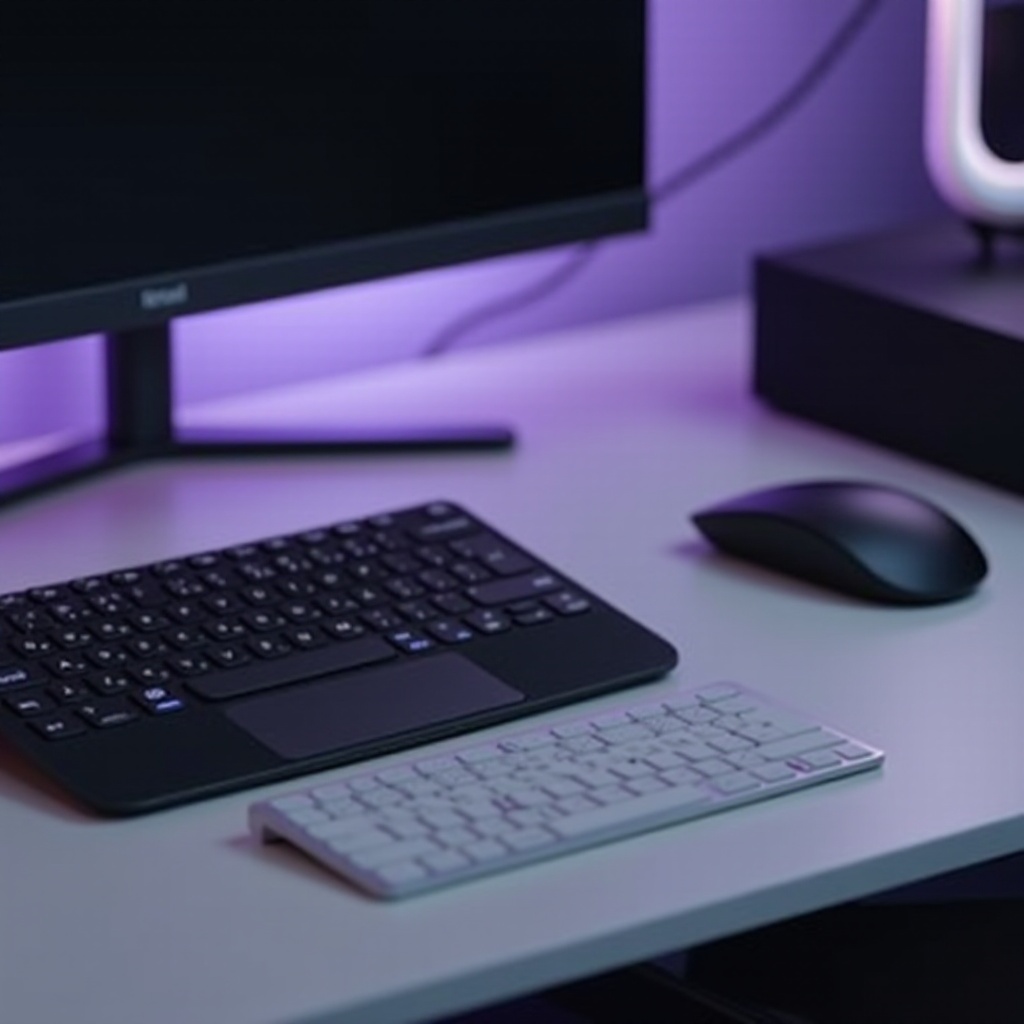
Top Wireless Keyboards with Touchpads in 2024
Now that we’re equipped with essential feature knowledge, let’s evaluate the top wireless keyboards this year. Each stands out with a unique blend of capabilities and advantages.
Logitech K830 Wireless Touch Keyboard
The Logitech K830 excels in style and functionality. It features illuminated keys for effortless use in dim environments and supports Bluetooth connectivity for seamless multiple device use. The touchpad’s responsive nature facilitates fluid and intuitive navigation.
Lenovo ThinkPad TrackPoint Keyboard II
Known for its dependability, this keyboard combines its renowned TrackPoint and touchpad. Users can choose between Bluetooth and USB dongle connection options. Its long-lasting battery can go weeks on a single charge, making it a reliable travel companion.
Microsoft All-in-One Media Keyboard
The Microsoft All-in-One cater to casual users and media enthusiasts. It features shortcut keys tailored for media functions and a standard touchpad with essential gesture support. It balances cost and quality, ideal for users seeking basic functionalities without surplus features.
Reviewing these keyboards reveals their distinctive traits and helps pinpoint which model aligns best with your lifestyle and demands for daily usage.
Pros and Cons of Wireless Keyboards with Touchpads
Wireless keyboards with touchpads offer a range of benefits alongside some drawbacks you should consider.
Benefits of Using a Keyboard with a Touchpad
- Flexibility across different devices and environments, such as smart TVs and laptops.
- Space-efficient by consolidating typing and navigation into one device.
- Portability, enabled by their cable-free design, making them easy to transport.
Potential Limitations
- Some users face a learning curve when adjusting from a mouse to a touchpad.
- Wireless setups require maintenance of battery power, necessitating charging or battery replacement.
Navigating the advantages and potential limitations of these gadgets helps with realistic expectations and reinforces decision-making, ensuring satisfaction.
How to Choose the Right Wireless Keyboard with Touchpad for You
Selecting the ideal model entails aligning features with personal needs.
Match Your Usage Requirements
- Identify whether your primary use is professional work, gaming, or general media consumption to guide feature preference.
- Ensure the keyboard’s compatibility with your devices, particularly if utilizing multi-device configurations with Bluetooth technology.
Balancing Features and Budget
Weighing costs against offered benefits is crucial. Expensive models feature advanced state-of-the-art traits, while budget-friendly options typically deliver core functionality. Prioritize features such as extended battery life or advanced touchpad controls based on necessity.
Choosing your keyboard deliberately can significantly enhance productivity and facilitate a streamlined digital experience. Deliberate decision-making will ensure lasting satisfaction and optimal performance.

Conclusion
Wireless keyboards with touchpads provide a holistic approach to combining typing and navigational tasks within a single device. By understanding key features, evaluating the top models, and considering personal requirements, you can select a keyboard that elevates your user experience. Whether for work, gaming, or recreational use, investing in the right keyboard aligns with improved efficiency and daily comfort.
Frequently Asked Questions
Are wireless keyboards with touchpads suitable for gaming?
Yes, many are appropriate for casual gaming, though competitive gamers should consider models with dedicated low latency features.
How do I clean the touchpad on my wireless keyboard?
Clean the touchpad gently with a microfiber cloth dabbed in mild detergent while the device is off. Avoid excessive moisture.
Can I use a wireless keyboard with multiple devices?
Bluetooth keyboards are particularly convenient with their ability to connect easily with multiple devices, ensuring seamless use.