
Introduction
Replacing the speaker in a Gameboy Color can bring back the immersive audio experience crucial for retro gaming enthusiasts. Whether you are noticing static, interruptions, or a complete lack of sound, this guide will help you get your Gameboy Color sounding as good as new. With the right tools and some patience, you can tackle the replacement process without hassle. After delving into the reasons for speaker replacement, let’s gear up for the task.
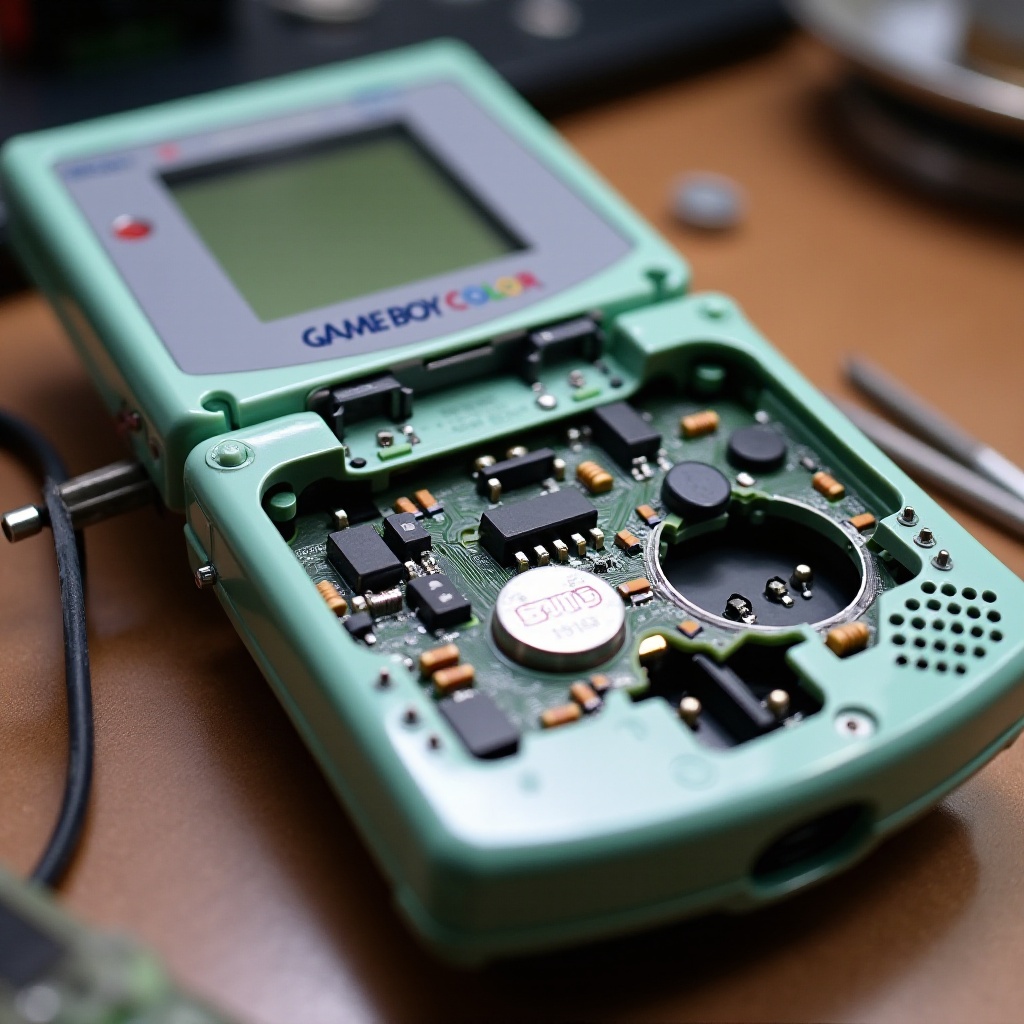
Why You Might Need to Replace Your Gameboy Color Speaker
Various factors can lead to a malfunctioning speaker. Over time, regular use can cause deterioration, leading to distorted audio or silence. Environmental factors such as humidity or dust can also contribute to speaker damage. Knowing when to replace the speaker is vital. Signs include inconsistent sound, static noise, or total audio failure. Replacing the faulty speaker restores full audio functionality, enriching the gaming experience. Before we begin, let’s gather the essential tools and materials.
Tools and Materials Needed
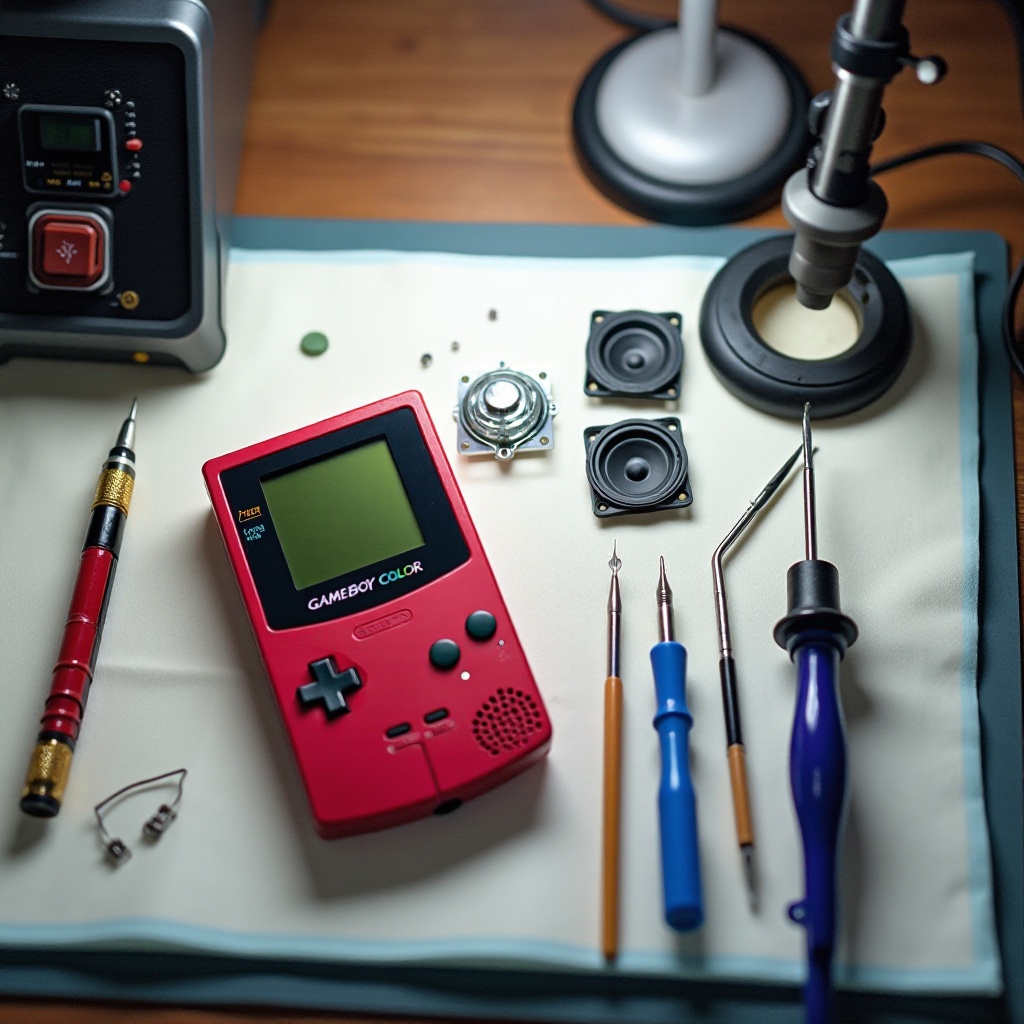
Having the correct tools and materials ensures a smoother replacement process. You’ll need the following:
- A Gameboy Color compatible replacement speaker
- Small Phillips and tri-wing screwdrivers
- A plastic opening tool
- Tweezers
- Isopropyl alcohol and a microfiber cloth
With these items ready, you can avoid delays and potential damage. Preparing your workspace is the first step towards a successful speaker replacement.
A Step-by-Step Guide to Speaker Replacement
-
Preparing Your Workspace
Clear a flat, well-lit surface to work on. Keep all tools and materials within arm’s reach. -
Dismantling the Gameboy Color
- Remove the six screws on the back panel using the tri-wing screwdriver.
-
Gently separate the casing with the plastic opening tool.
-
Removing the Old Speaker
- Locate the speaker near the bottom front section.
-
Carefully disconnect it using tweezers, ensuring no components are damaged.
-
Installing the New Speaker
- Position the new speaker accurately in its compartment.
- Fasten the wires to their respective terminals securely.
After installation, reassemble the Gameboy by carefully snapping the casing back. Tighten the screws to finish the process. Now, let’s address any issues that might arise.
Troubleshooting Common Issues
Post-replacement, some users encounter minor problems. Here’s how to handle them effectively:
-
Speaker Doesn’t Work
Verify that the connections are tight and correct. Loose wires can prevent sound. -
Sound Quality Problems
Check if the speaker is properly aligned. Misalignment affects audio clarity. -
Installation Checks
Confirm all components are securely in place and that none were disturbed during replacement.
Once you’ve ensured everything is in order, let’s discuss maintaining your Gameboy for long-term use.
Tips for Maintaining Your Gameboy Color
Proper maintenance can significantly prolong your Gameboy’s lifespan. Consider these tips:
- Regularly wipe down the console with a microfiber cloth to remove dust.
- Avoid exposure to extreme temperatures and moisture.
- Store in a protective case to prevent accidental damage.
With these practices, you can enjoy your Gameboy Color for years to come. These small efforts make a big difference in maintaining optimal performance.
Conclusion
Replacing the speaker in your Gameboy Color restores its original audio quality, enhancing your overall gaming experience. By following this detailed guide, you can tackle the replacement confidently. Whether wielding the device for cherished nostalgia or discovering classic games for the first time, a functional speaker is key to an engaging experience. Regular maintenance complements the replacement, ensuring your console remains a reliable source of entertainment.
Frequently Asked Questions
How do I know if my Gameboy Color speaker is faulty?
Signs include static, intermittent sound, or no audio at all.
Can I use any speaker for replacement?
No, ensure it’s a Gameboy Color compatible speaker for proper fit.
What if my Gameboy Color still has no sound after replacement?
Double-check connections and wiring. Consider inspecting other internal components.