
Introduction
The Bose SoundLink Mini Bluetooth Speaker offers exceptional sound quality in a compact form. To fully enjoy its capabilities, properly pairing your speaker with your devices is essential. This guide provides detailed instructions on pairing, troubleshooting tips, and expert advice to enhance your speaker experience.
Understanding Bluetooth and Its Advantages
Bluetooth technology is integral to modern wireless communications. By utilizing short-range radio signals, Bluetooth enables seamless connections between devices, allowing you to enjoy music on your Bose SoundLink Mini without cables.
What Is Bluetooth?
Bluetooth is a wireless standard for exchanging data over short distances, providing convenience by eliminating wires.
Benefits of Bluetooth Connectivity
Wireless connections offer freedom of movement and reduce clutter. Bluetooth’s ability to connect multiple devices enhances your listening experience.
With these basics, you’re equipped to pair your device with the Bose SoundLink Mini effectively.
How to Pair Your Bose SoundLink Mini Bluetooth Speaker
Successfully pairing the speaker with your device is crucial. Follow these steps:
-
Preparing Your Devices for Pairing
Ensure your speaker is charged. Turn it on and press the Bluetooth button to enter pairing mode. Make sure Bluetooth is enabled on your connecting device. -
Step-by-Step Pairing Process
- On Your Device: Open Bluetooth settings.
- Select the Speaker: Find ‘Bose SoundLink Mini’ in the list and select it.
-
Connect: Confirm the connection; a confirmation sound indicates success.
-
Troubleshooting Common Connection Issues
- No Sound?: Check volumes on both devices.
- Connection Failed?: Restart devices and retry pairing.
- Device Not Discoverable?: Ensure speaker is in pairing mode and nearby.
Once paired, you can enjoy premium audio with your Bose SoundLink Mini.
Enhancing Your Pairing Experience
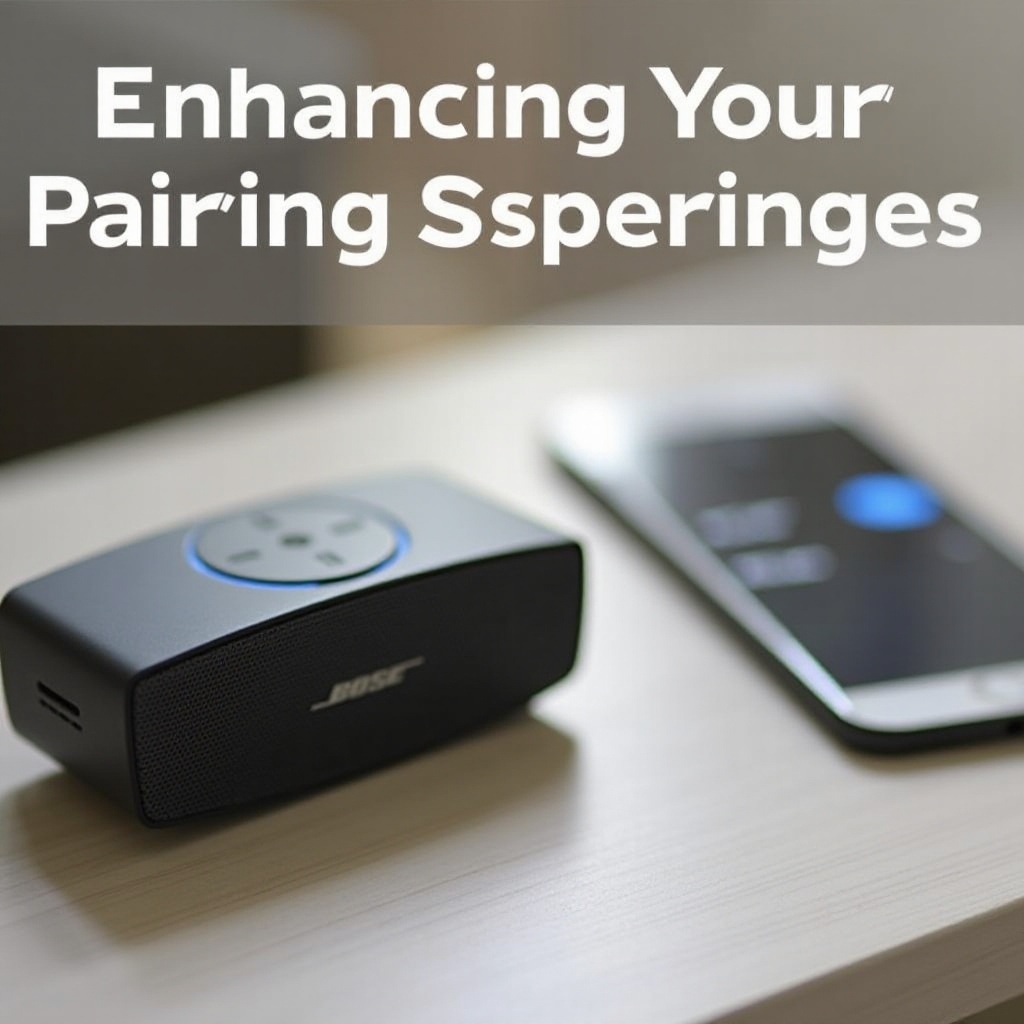
A reliable pairing sets the stage for an enhanced listening experience. Here are ways to improve your setup:
Maintaining a Stable Connection
Keep devices within range and minimize interference from other electronics.
Multipoint Pairing: Connecting Multiple Devices
The speaker supports connecting to two devices simultaneously. To switch, pause the current device’s media and start playing on the other.
Ensuring a stable connection and using multipoint pairing maximizes convenience and enjoyment.
Troubleshooting Advanced Pairing Problems
For more complicated issues, further steps might be needed:
Firmware Updates and Their Importance
Regular updates via the Bose Connect app or their website ensure your speaker performs optimally.
Dealing with Interference from Other Devices
Position the speaker away from routers and microwaves to reduce interference. Experiment with different locations if problems persist.
These strategies will help overcome persistent connectivity issues.
Tips for Optimal Use of Your Bose SoundLink Mini
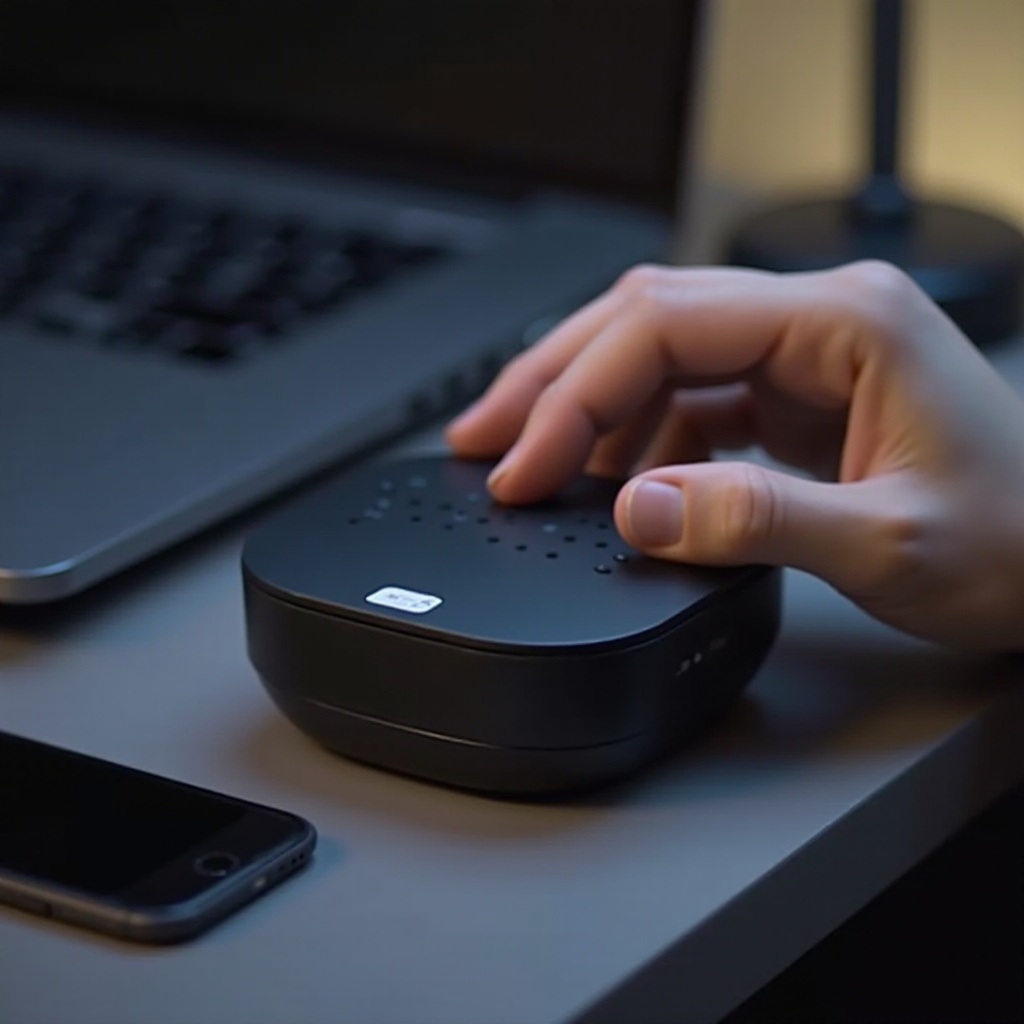
Utilize your speaker’s full potential with these tips:
Positioning for Best Sound Quality
Place the speaker at ear level on a flat surface, away from walls to allow sound to travel evenly.
Regular Maintenance and Battery Care
Clean with a soft cloth and avoid extreme temperatures. Charge it regularly to extend battery life.
These practices ensure consistent performance and longevity of your speaker.
Conclusion
With this detailed guide, pairing your Bose SoundLink Mini Bluetooth Speaker is straightforward, and you’re better equipped to handle any issues. Enjoy the unmatched sound quality and practicality this speaker provides.
Frequently Asked Questions
How can I reset my Bose SoundLink Mini if it’s not pairing?
To reset, turn on the speaker and hold the Power button for 10 seconds until it turns off. Then power it on again and attempt pairing.
Can I pair my Bose SoundLink Mini with a non-Bluetooth device?
Yes, use a 3.5mm audio cable to connect your speaker to devices that lack Bluetooth capabilities.
How do I update the firmware on my Bose SoundLink Mini?
Use the Bose Connect app or visit the Bose website for step-by-step firmware update instructions to ensure optimal performance.