
Introduction
Carpal tunnel syndrome affects many people due to repetitive wrist and hand movements, making ergonomic devices essential. The right keyboard and mouse can greatly relieve symptoms and prevent strain. Understanding which devices to choose is key in achieving both comfort and productivity.
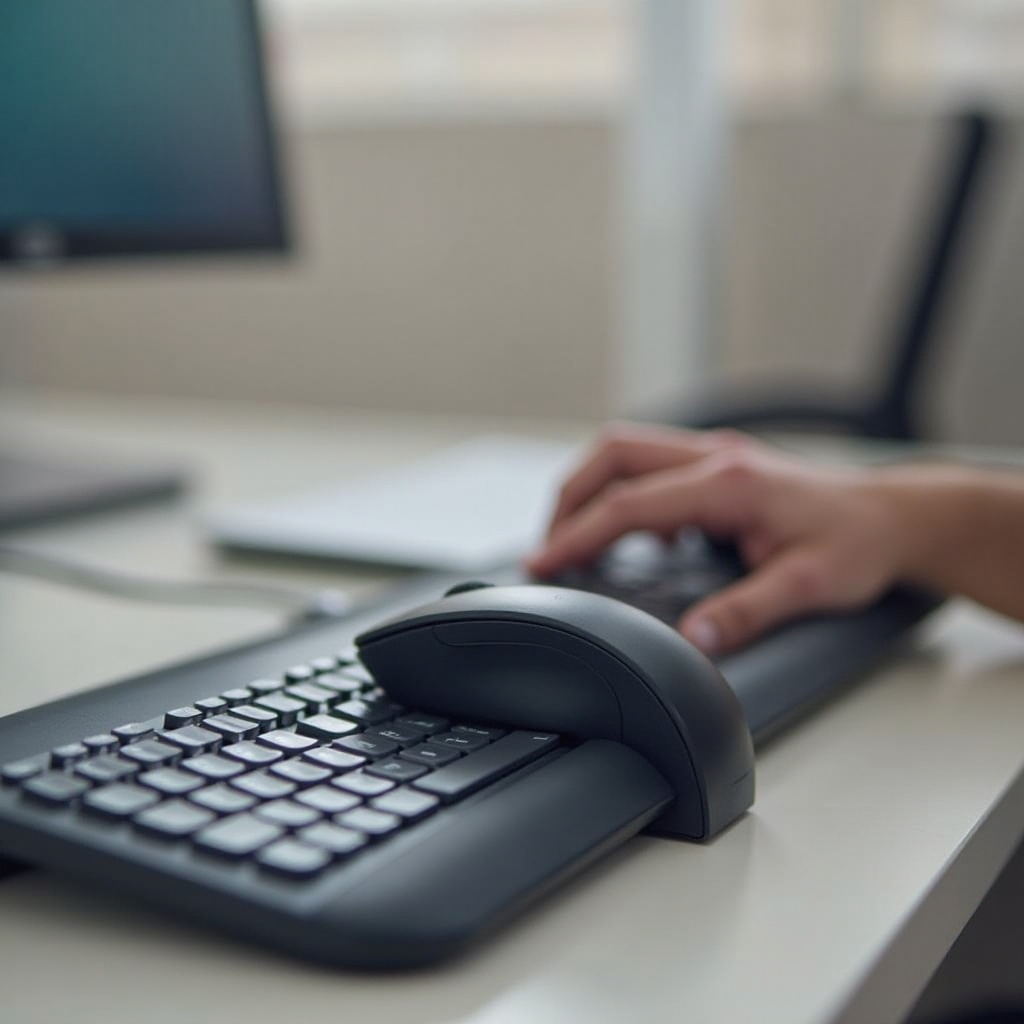
Understanding Carpal Tunnel Syndrome
Carpal tunnel syndrome is caused by the compression of the median nerve in the wrist, often resulting from repetitive motions or sustained pressure. Symptoms include tingling, numbness, and pain in the hand and fingers, affecting daily activities such as typing. Early recognition is important for those who spend extensive hours on computers. Taking preventative steps, like using ergonomic equipment, is critical in managing these discomforts.

Features of the Best Keyboards for Carpal Tunnel Relief
Choosing a keyboard that reduces wrist strain requires attention to specific features:
-
Ergonomic Design: Seek keyboards with a natural slope or split design that keeps wrists in a neutral position, reducing tissue strain around the carpal tunnel.
-
Adjustable Tilt and Split Layouts: Consider keyboards offering adjustable angles and split layouts for personalized use, decreasing forearm rotation.
-
Key Sensitivity and Feedback: Mechanical keyboards with tactile feedback require less force, decreasing strain during typing.
Understanding these features sets a solid foundation for finding the best market options.
Top Recommended Keyboards for Carpal Tunnel in 2024
Finding an ergonomic keyboard within your budget can improve your computer-use experience:
-
High-End Options: The Logitech Ergo K860, with its split design and tented shape, promotes a natural typing angle. The Kinesis Advantage2 emphasizes thumb-centered key clusters to reduce hand strain.
-
Budget-Friendly Choices: The Microsoft Ergonomic Keyboard offers excellent wrist support at an affordable price. The Perixx Periboard-512, featuring a split design, is another cost-effective option focused on comfort.
-
Portable Models for Convenience: For on-the-go use, try the Goldtouch Go!2 Wireless Mobile Keyboard, combining foldable ergonomic benefits with portability.
Pairing the right keyboard with your needs enhances comfort during prolonged computer use.
Features of the Best Mice for Carpal Tunnel Relief
The right mouse features complement keyboard ergonomics:
-
Ergonomic Shape and Design: Favor mice that place the wrist in a natural handshake position, minimizing twisting and reducing carpal tunnel syndrome risks.
-
Button Placement and Customization: Mice with programmable buttons boost workflow by limiting repetitive movements.
-
Sensitivity Adjustment: Mice with adjustable sensitivity (DPI settings) ensure precise control without unnecessary wrist movement.
These features are crucial in ensuring the mouse works seamlessly with an ergonomic keyboard for maximum comfort.
Top Recommended Mice for Carpal Tunnel in 2024
With feature insights, consider these top mouse picks:
-
Vertical Mice: The Logitech MX Vertical and Anker Ergonomic Vertical Mouse offer innovative designs that promote natural gripping and affordability.
-
Trackball Options: The Logitech MX Ergo minimizes wrist movement with its trackball mechanism, ideal for those needing additional support.
-
Lightweight Models: The Razer Pro Click combines ergonomic design with lightweight features for extended use without fatigue.
A carefully chosen mouse completes the ergonomic pair, significantly easing carpal tunnel symptoms.
Tips for Reducing Wrist Strain and Preventing Carpal Tunnel Syndrome
Actively reducing wrist strain involves integrating these practices:
-
Proper Desk Setup: Adjust your chair and desk height so your forearms remain parallel to the floor when typing.
-
Regular Breaks and Exercises: Incorporate short, five-minute breaks every hour to stretch and relax your wrists, improving circulation.
-
Utilizing Ergonomic Accessories Effectively: Use additional ergonomic tools, such as wrist pads or adjustable monitor stands, to maintain a healthy posture.
These proactive measures not only manage carpal tunnel symptoms but also enhance a more efficient work environment.

Conclusion
Investing in the optimal mouse and keyboard to tackle carpal tunnel is crucial for long-term health and productivity. Consider devices that offer both maximum comfort and efficiency. Incorporate proactive strategies and ergonomic accessories to make a significant difference in alleviating discomfort and preventing future issues.
Frequently Asked Questions
What are the major signs of carpal tunnel syndrome?
The major signs include tingling, numbness, and pain in the thumb, index, and middle fingers, sometimes extending to the arm.
Can ergonomic devices fully prevent carpal tunnel syndrome?
While they significantly reduce risk, no device can fully prevent carpal tunnel without including proper wrist exercises and regular breaks.
How often should I take breaks to reduce wrist strain?
Aim for five-minute breaks every hour and incorporate various wrist exercises to lessen tension and promote circulation.