
Introduction
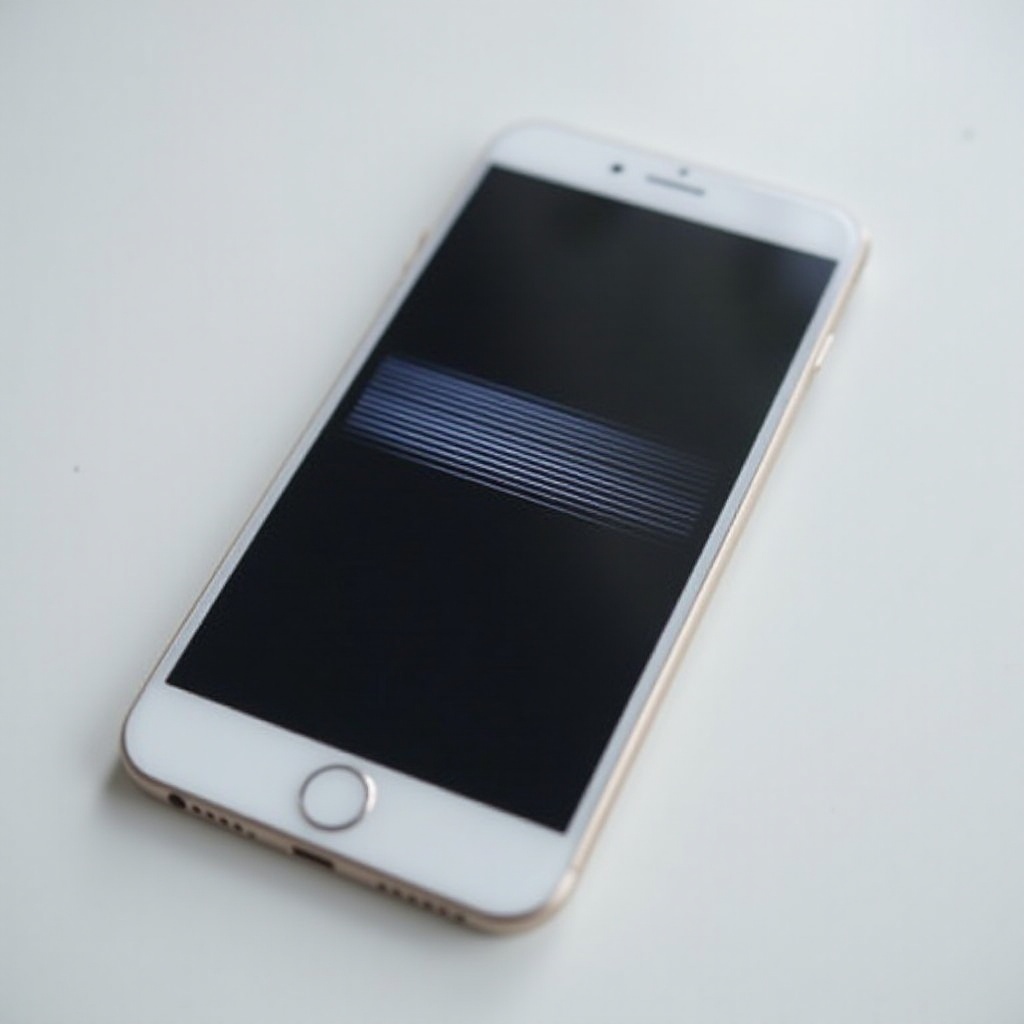
Horizontal lines appearing on your phone screen can disrupt your daily phone use and affect your viewing experience. Whether you’re texting, browsing, or streaming, a clear screen is essential. Before deciding to replace your device, consider the varied solutions available to tackle this issue. Understanding the root causes is vital for selecting the appropriate remedy.
Causes of Horizontal Lines on Phone Screens
Identifying the cause of the horizontal lines on your phone screen is the first step towards solving the problem. Potential culprits include:
- Hardware Issues:
- Loose or faulty LCD connectors often disrupt screen images, causing horizontal lines to appear.
-
Manufacturing defects might be at play, which typically fall under warranty coverage.
-
Software Glitches or Bugs:
- Incompatibilities from software updates can affect the display’s functionality.
-
Certain applications might have bugs or consume excessive resources leading to temporary screen distortion.
-
Physical Damage:
- Drops or water exposure can damage internal components crucial for display functions.
- Even minor impacts may misalign components causing screen issues.
Understanding these causes helps you approach fixes more effectively, saving time and resources.
Diagnosing the Problem
Accurately diagnosing the cause of horizontal lines is critical before implementing any fixes. Consider these steps to determine if the problem is software-related or due to hardware:
- Performing a Soft Reset:
-
Reboot your phone, as this simple action can solve many temporary glitches.
-
Checking for Software Updates:
-
Ensure your device’s software is up-to-date to incorporate necessary fixes for known display issues.
-
Inspecting for Visible Damage:
- Examine for visible signs of damage such as cracks or moisture, indicating potential hardware problems.
An accurate diagnosis sets the stage for effective troubleshooting.
Solutions for Fixing Horizontal Lines
Once you’ve identified the problem, explore a variety of solutions ranging from simple DIY methods to professional services:
Software-Based Solutions
- Update the Operating System:
-
Ensuring your phone’s software is current is essential, as updates often include fixes for bugs that can cause screen issues.
-
Factory Reset your Device:
- If other steps fail, consider resetting your phone to factory settings, which can eliminate software bugs. Don’t forget to back up your important data firmly before doing this.
Easy DIY Fixes for Minor Issues
- Screen Rub or Tap:
-
Gently rubbing or tapping the screen might correct minor alignment issues.
-
Secure Internal Connections:
- For some devices, ensure the internal connections or cables are not loose.
Professional Repair Options
- When to Consult a Repair Technician:
-
If DIY solutions are ineffective, a technician should be consulted, especially if internal non-accessible components seem compromised.
-
Estimated Costs and Considerations:
- Repair costs will vary according to the phone model and damage extent. However, technical repairs can be cost-effective alternatives to device replacement.
These approaches offer a comprehensive set of solutions without unnecessary expenses.
Preventing Future Screen Issues
Avoid future screen problems by adopting preventative measures to protect your device:
- Screen Protectors:
-
Use screen protectors to prevent scratches and mild impacts.
-
Prudent Handling:
-
Handle your phone with care, using sturdy cases and ensuring it’s safeguarded against falls and impacts.
-
Maintenance Checks:
- Regularly clean your device and check for software updates to ensure optimal operation.
These habits help prolong the life of your phone and keep screen issues at bay.
Conclusion
Addressing horizontal lines on your phone screen doesn’t have to be complicated. By understanding the causes and applying the suggested solutions, you can effectively enhance your phone’s performance and usability. Don’t hesitate to seek professional repair if needed, safeguarding your investment for the long term.
Frequently Asked Questions
What causes horizontal lines to appear on a phone screen?
Horizontal lines can result from hardware malfunctions, software glitches, or physical damage from drops or moisture exposure.
Can software updates fix horizontal lines on my screen?
Yes, software updates may include solutions for certain glitches causing screen issues, so keeping your device updated is beneficial.
How much does it typically cost to repair horizontal lines on a phone screen?
Repair costs vary based on the device and damage but typically range from $50 to $250. Consulting a professional for an evaluation is ideal.