
Introduction
Onkyo receivers are known for their exceptional audio quality, making them a favorite among music enthusiasts. However, encountering silence instead of music can be frustrating and bewildering. Whether you’re setting up a new record player or facing unexpected sound issues, identifying and addressing the problem is essential for seamless listening. In this article, we’ll guide you through practical steps to solve sound issues, ensuring your Onkyo receiver functions perfectly.
Understanding the Onkyo Receiver and Record Player Connection
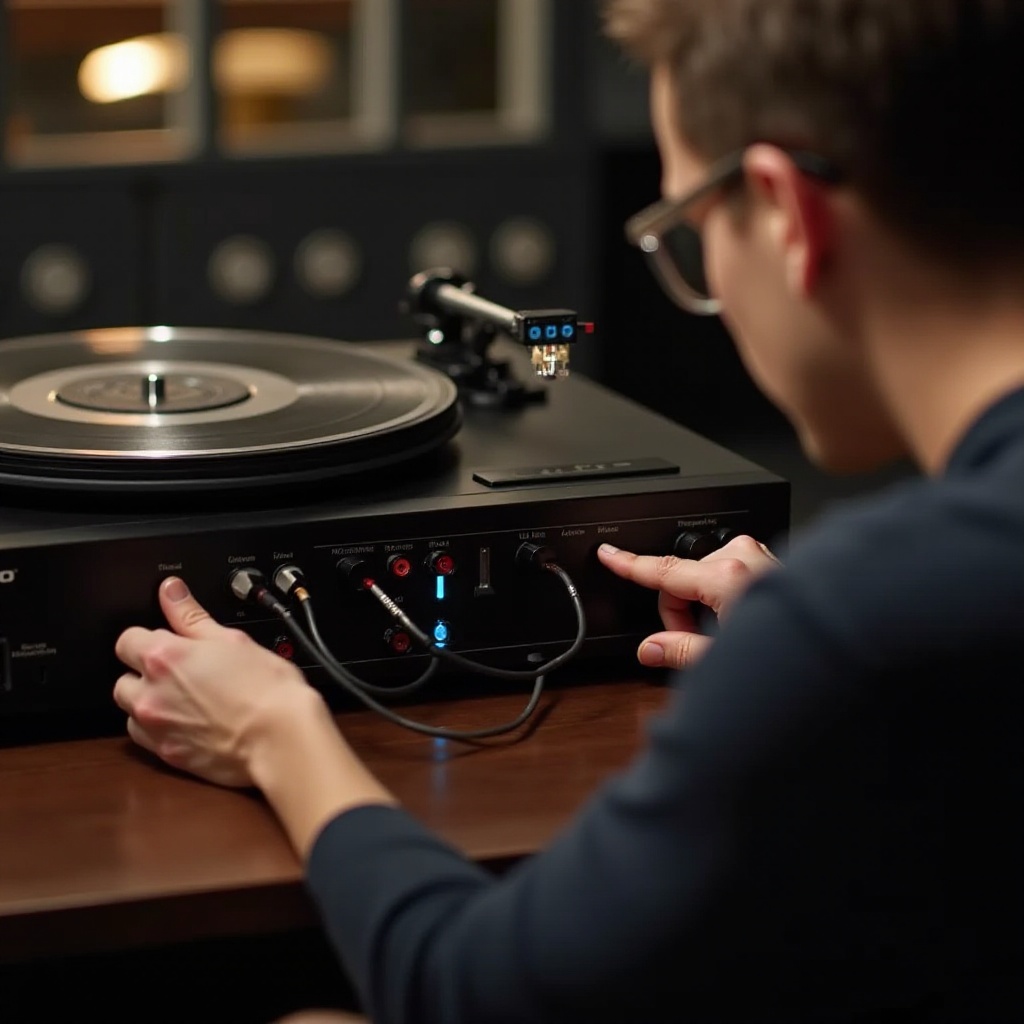
To successfully troubleshoot issues between your Onkyo receiver and record player, it’s crucial to grasp how these devices interact. Onkyo receivers serve as a central hub, converting the signals from your record player and distributing the audio to your speakers.
- How Onkyo Receivers Work with Record Players:
- Receivers process signals from the record player, amplifying them to deliver high-quality sound.
-
Correct input selection on the receiver ensures proper sound transmission.
-
The Importance of Proper Connections:
- Incorrect or loose cable connections hinder the sound journey from record players to speakers.
- Ensure that cables are securely plugged into the appropriate ports and show no signs of damage.
Understanding these connections helps pinpoint the root of sound issues, paving the way for more precise troubleshooting.
Identifying Common Causes of Sound Problems
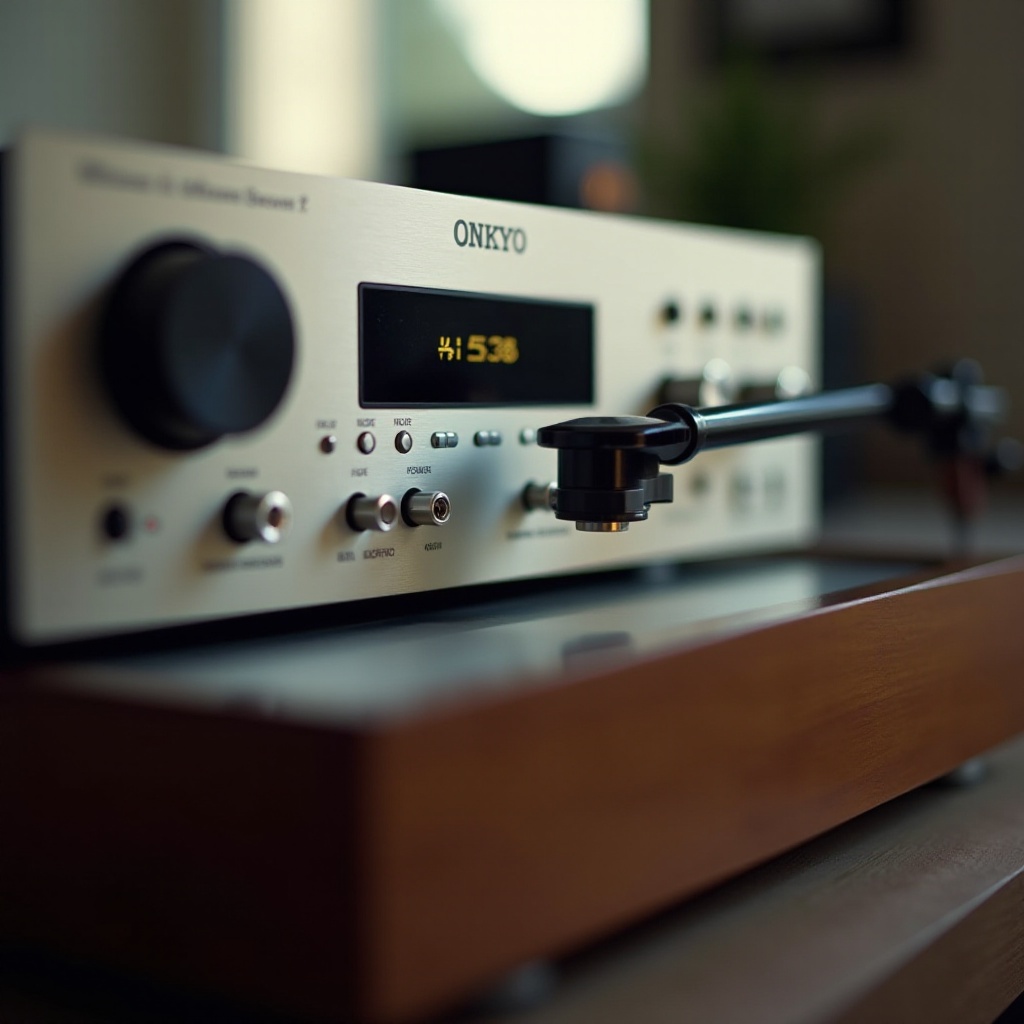
Before diving into solutions, identifying potential causes for sound issues can streamline the troubleshooting process:
- Cable and Connection Issues:
-
Loose, damaged, or poorly connected cables can disrupt the audio flow, leading to silence.
-
Incorrect Receiver Settings:
-
Wrong input settings or accidentally muted outputs can completely silence your setup.
-
Hardware Failures:
- Over time, components like the amplifier or the needle on your record player may wear out, affecting sound quality.
Identifying these issues not only aids in troubleshooting but also encourages regular maintenance to prevent future problems.
Basic Troubleshooting Steps
With potential causes in mind, let’s explore basic troubleshooting steps to restore audio output:
- Inspecting and Securing Connections:
- Evaluate all cables to ensure they are tightly plugged into their respective ports.
-
Replace cables that show visible damage, such as cuts or bends, which can disrupt signal flow.
-
Adjusting Audio Settings on the Receiver:
- Confirm that the receiver is set to the correct input channel for the record player.
-
Check that volume levels are appropriately adjusted and the system isn’t muted.
-
Testing Components of the Record Player:
- Determine whether the issue lies within the record player by connecting it directly to speakers or another receiver.
- Verify that the turntable’s needle is in good condition and functional, as damage can prevent it from picking up sound.
These steps usually resolve basic configuration issues, bringing sound back to your system. If problems persist, broader solutions may be required.
Advanced Troubleshooting Techniques
If basic steps fall short, more advanced solutions may be necessary:
- Performing a Receiver Reset:
- Resetting the Onkyo receiver can address software problems. Consult your user manual for reset instructions.
-
Always back up current settings before performing a factory reset to avoid data loss.
-
Checking for and Installing Firmware Updates:
- Outdated firmware can lead to compatibility problems. Regularly visit Onkyo’s official site to check for updates.
- Complete updates using a USB connection to ensure stability and reliability.
Advanced solutions require more technical understanding but can effectively address persistent issues.
When to Seek Professional Assistance
Sometimes, it’s best to turn to experts for help:
- Identifying Problems Requiring Expert Diagnosis:
-
Persistent sound issues despite thorough checks may indicate internal hardware failures needing specialist repair services.
-
Finding Professional Help:
- Utilize online reviews and recommendations to locate certified Onkyo service centers or qualified audio technicians.
Professional assistance ensures proper diagnosis and repair, saving time and preventing potential equipment damage.
Conclusion
This guide has covered essential steps to diagnose and fix Onkyo receiver sound issues. Understanding potential causes and performing thorough checks can effectively restore your audio system. Regular maintenance and updates help prevent future problems, ensuring your musical experiences remain uninterrupted.
Frequently Asked Questions
Why is there no sound coming from my Onkyo receiver?
The issue may originate from incorrect inputs, muted settings, or faulty cables.
How can I reset my Onkyo receiver to fix sound issues?
Refer to the user manual for a step-by-step reset guide to restore factory settings.
What should I do if my record player works but not through the receiver?
Verify all connections, check input settings, and test with another device to isolate the problem.