
Introduction
Discovering lines on your phone screen can be both annoying and concerning. These visual disturbances, whether vertical or horizontal, can impair the display’s clarity and your overall user experience. Identifying the cause of these lines is the first step toward resolving the problem and restoring your phone’s functionality. This article will guide you through understanding the potential causes of screen lines and offer practical solutions for fixing them.
Understanding Lines on Screen Phones
Knowing the root causes of screen lines is crucial. They can arise from either software-related issues or hardware problems, each requiring different troubleshooting approaches. –
What Causes Lines on Phone Screens?
Lines can result from several factors, including software glitches, physical damage, problems with the display connector, or even factory defects. Software-induced lines can often be resolved with updates, while hardware-related issues might need professional intervention. –
Types of Lines You Might See
The lines appearing on your screen can manifest in various forms, such as static lines, flickering lines, vertical or horizontal lines, or even grid patterns. Each type provides clues to the underlying issue, making it easier to diagnose and fix.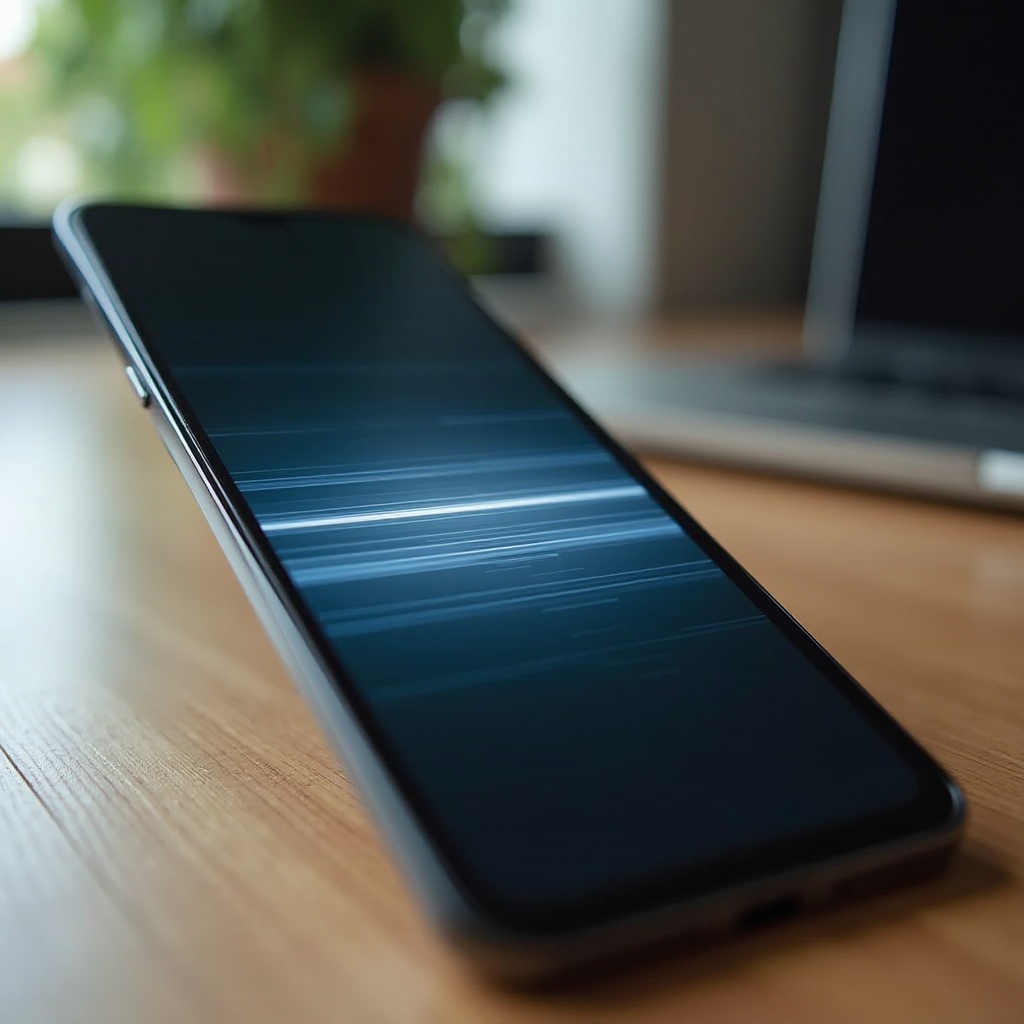
Diagnosing the Problem: Step-by-Step Guide
Before jumping into solutions, a structured diagnosis can help determine the cause of the problem. –
Software-Related Issues
-
Ensure your phone’s software is up to date, as manufacturers release bug fixes that may resolve screen issues. 2. Check for recently installed apps that may interfere with your phone’s display functions. –
Hardware-Related Issues
-
Inspect your phone for any physical damage, such as cracks or bends, that might have compromised the screen. 2. Consider whether any recent drops or impacts might have affected the device’s internal components. Once you’ve identified whether the issue is software or hardware-related, you can proceed with appropriate solutions.
Quick and Easy Fixes for Minor Issues
Sometimes, you can resolve screen line issues with some straightforward steps. –
Restarting Your Device
Simply turning your phone off and back on can often rectify temporary glitches, including those causing screen lines. –
Updating Your Software
- Navigate to Settings and check for any available software updates. 2. Download and install updates, since they might contain solutions for screen issues. –
Resetting Display Settings
Restoring display settings to their defaults can eradicate lines caused by incorrect settings. It is a simple method to try before moving to more complex solutions.
Advanced Solutions for Persistent Line Problems
If initial measures fail to resolve the issue, consider more advanced troubleshooting. –
When to Use Safe Mode
Booting your phone in Safe Mode disables third-party applications, helping you determine if an app is the source of the problem. –
Factory Reset Considerations
A factory reset is a last resort for software-related issues. Remember to backup your data, as this will erase all content and settings, returning your phone to its original state. –
Professional Repair Services
If hardware issues are suspected, consider seeking professional repair services. An experienced technician can diagnose and resolve problems with internal components effectively. Transitioning from problem-solving to preventive care is essential for long-term screen health.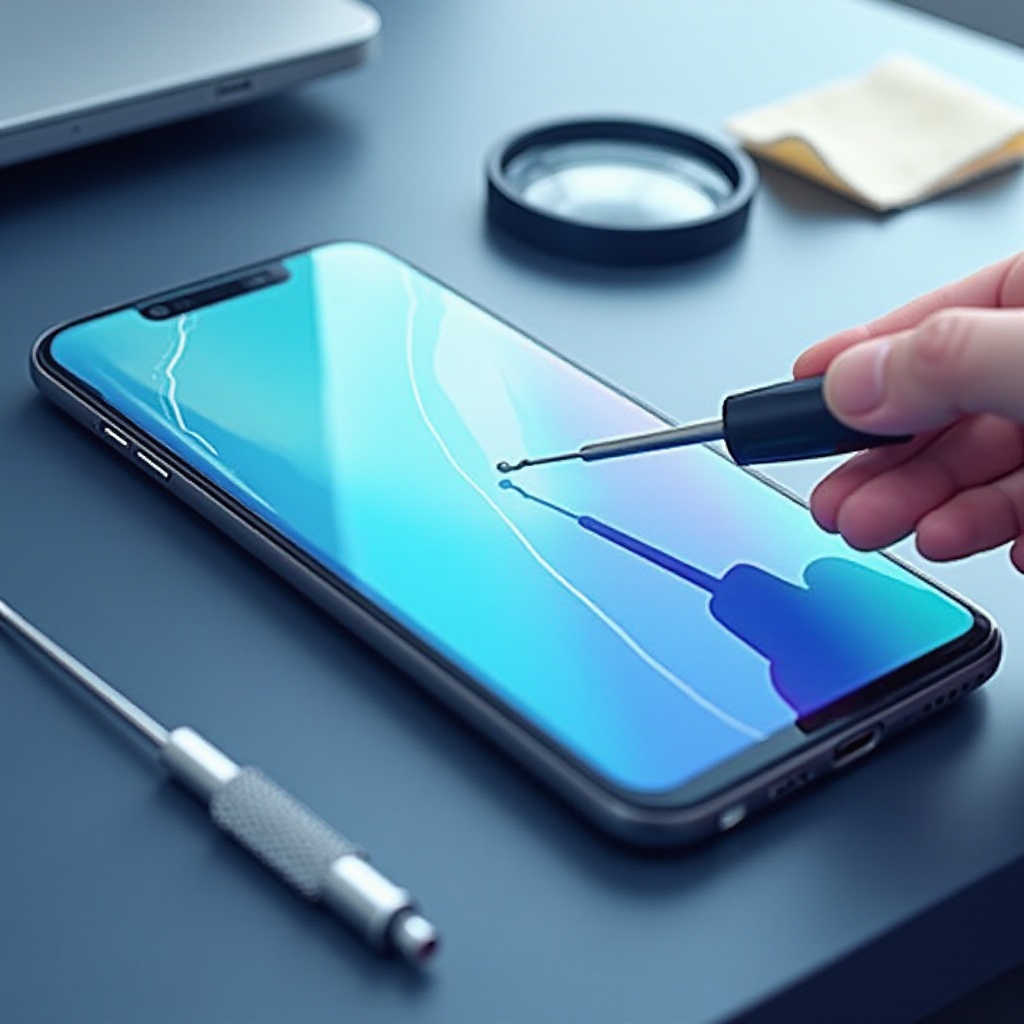
Preventing Screen Issues in the Future
Proactively caring for your phone can help avoid future problems with screen lines. –
Proper Care and Maintenance
Regularly clean your phone with suitable materials and avoid exposing it to extreme temperatures or harsh conditions. –
Use of Protective Accessories
Implementing screen protectors and sturdy cases can reduce the risk of physical damage from drops or impacts.
Conclusion
Lines on your phone screen can disrupt day-to-day usage, but understanding their causes and implementing effective solutions can mitigate these issues. By following this guide, you can restore your phone’s display and prevent future occurrences for a smoother and clearer user experience.
Frequently Asked Questions
How much does it typically cost to repair a phone screen with lines?
Repair costs vary depending on the phone model and damage extent, ranging from $50 to $300.
Can screen protectors prevent lines on a phone screen?
Screen protectors primarily guard against scratches and minor impacts, reducing but not eliminating the risk of screen lines.
Should I replace my phone if the lines don’t go away?
If repairs cost more than the phone’s value or new issues arise, replacing the phone might be more economical.